Alpha Innotec Heat Pump Error Codes & Fix Guide
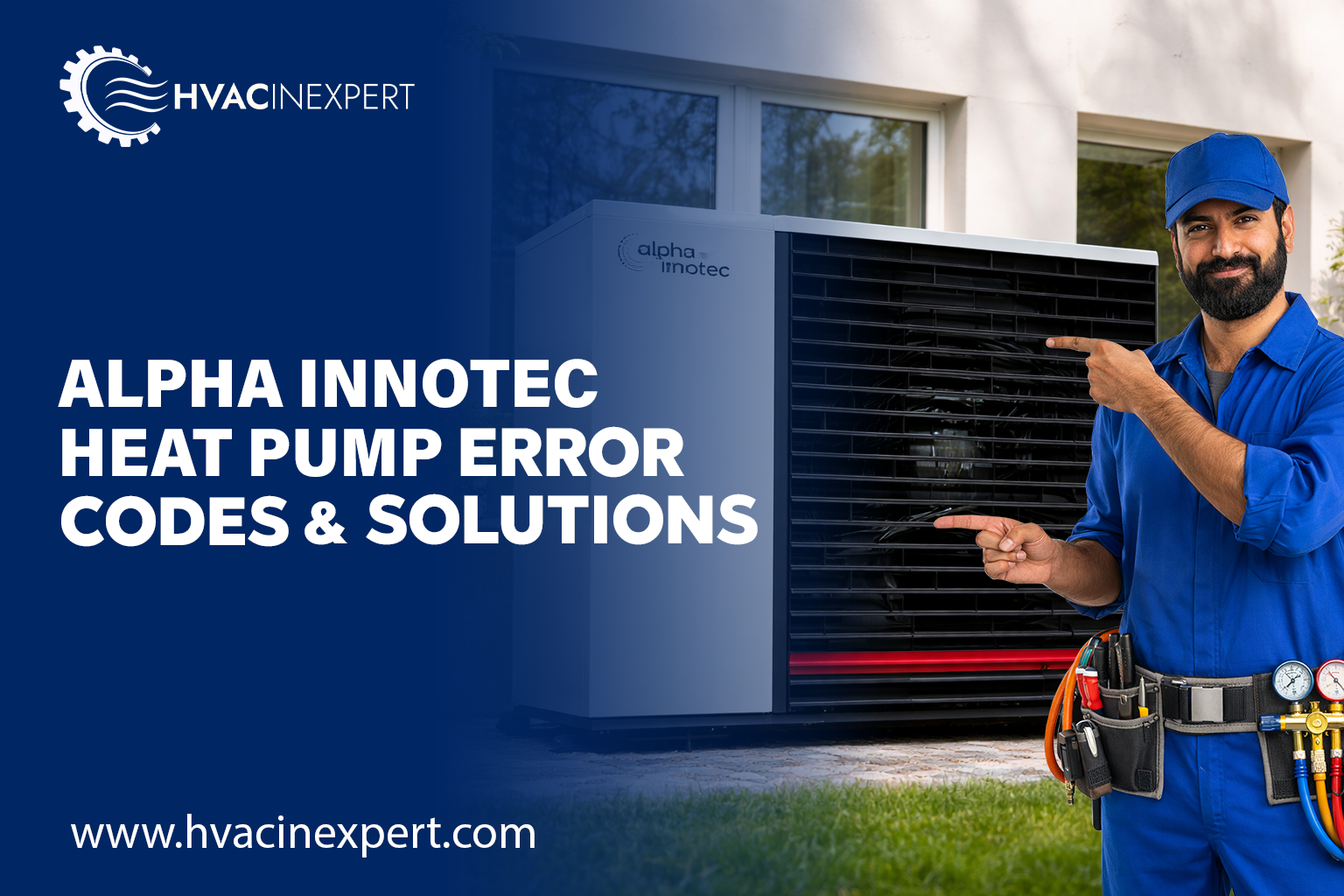
Alpha Innotec Heat Pump Error Codes & Fix Guide (Ultimate HVAC Guide)
If your Alpha Innotec heat pump displays an error code, it’s not just a malfunction—it’s a precision diagnostic system guiding you toward the root cause. Whether you’re a homeowner, HVAC technician, or dealer, understanding these error codes can help you quickly troubleshoot problems, reduce downtime, and improve system efficiency.
This guide covers Alpha Innotec heat pump error codes, causes, fixes, and advanced troubleshooting strategies.
About Alpha Innotec Heat Pumps
Alpha Innotec is a well-known European brand specializing in energy-efficient heat pump systems. The company is part of the NIBE Group and offers advanced systems like LWCV, SWCV, and Hybrox series for residential and commercial applications.
1. What Are Alpha Innotec Heat Pump Error Codes?
Alpha Innotec heat pumps use intelligent controllers (Luxtronik control system) that continuously monitor:
- Temperature sensors
- Refrigerant pressure
- Compressor performance
- Water circulation
- Electrical systems
When a fault occurs, the system displays:
- F Codes / Error Codes → Critical faults
- Warning Messages → Advisory alerts
2. Types of Alpha Innotec Heat Pump Faults
Electrical Faults
- Voltage fluctuation
- PCB failure
- Relay issues
Sensor Faults
- Outdoor sensor
- Flow/return sensors
Refrigerant Faults
- Low refrigerant
- High pressure
- Compressor overheating
Hydraulic Faults
- Low water flow
- Pump failure
- Air in system
Communication Faults
- Controller communication error
- Bus failure
3. Complete Alpha Innotec Error Code List
Critical Error Codes
| Code | Description |
|---|---|
| F01 | Flow temperature sensor fault |
| F02 | Return temperature sensor fault |
| F03 | Outdoor temperature sensor fault |
| F04 | Evaporator sensor fault |
| F05 | Condenser sensor fault |
| F06 | Discharge temperature fault |
| F07 | Defrost sensor fault |
| F08 | DHW sensor fault |
| F09 | Flow switch error |
| F10 | High pressure fault |
| F11 | Low pressure fault |
| F12 | Compressor overload |
| F13 | Expansion valve fault |
| F14 | Defrost failure |
| F15 | Freeze protection active |
| F16 | Pump failure |
| F17 | Communication error |
| F18 | Voltage fault |
| F19 | PCB fault |
| F20 | General system fault |
Warning Codes
| Code | Description |
|---|---|
| A01 | Temporary interruption |
| A02 | Defrost cycle active |
| A03 | Compressor delay |
| A04 | Anti-freeze mode |
| A05 | System optimization |
4. Common Alpha Innotec Error Codes Explained
F10 – High Pressure Fault
Causes:
- Dirty condenser
- Blocked airflow
- Overcharged refrigerant
Fix:
- Clean outdoor unit
- Check fan motor
- Adjust refrigerant charge
F11 – Low Pressure Fault
Causes:
- Refrigerant leak
- Expansion valve issue
Fix:
- Leak detection
- Recharge refrigerant
F09 – Flow Switch Error
Causes:
- Low water flow
- Blocked filter
Fix:
- Clean strainers
- Check pump
F12 – Compressor Overload
Causes:
- High pressure
- Electrical imbalance
Fix:
- Check compressor amps
- Inspect capacitor
F17 – Communication Error
Causes:
- Wiring issue
- PCB failure
Fix:
- Inspect connections
- Replace control board
F16 – Pump Failure
Causes:
- Mechanical issue
- Electrical fault
Fix:
- Check voltage
- Replace pump
5. Advanced Troubleshooting Workflow
Step 1: Identify Error Code
Check display panel or controller.
Step 2: Reset System
- Turn OFF power
- Wait 5 minutes
- Restart
Step 3: Basic Inspection
- Power supply
- Water pressure
- Filters
Step 4: Sensor Testing
- Measure resistance
- Compare with chart
Step 5: Refrigerant Diagnosis
- Check pressure gauges
- Inspect leaks
6. Sensor Fault Diagnosis
Alpha Innotec systems use NTC sensors.
Common Issues:
- Open circuit
- Short circuit
Testing:
- Use multimeter
- Compare resistance vs temperature
7. Refrigerant & Pressure Issues
Symptoms:
- Poor heating
- Ice formation
- Frequent shutdown
Causes:
- Gas leak
- Dirty coils
- Expansion valve issue
Fix:
- Leak repair
- Recharge system
- Clean coils
8. Electrical & PCB Faults
Common Codes:
- F17
- F18
- F19
Causes:
- Voltage fluctuation
- PCB damage
Fix:
- Install stabilizer
- Replace PCB
9. Communication Errors
Causes:
- Wiring faults
- Controller issues
Fix:
- Check cables
- Replace modules
10. How to Reset Alpha Innotec Heat Pump
Method 1:
Use reset button
Method 2:
Power OFF → Wait → ON
Method 3:
Reset via controller
11. Preventive Maintenance Checklist
Monthly:
- Check pressure
- Clean filters
Quarterly:
- Inspect wiring
- Test sensors
Yearly:
- Full servicing
- Refrigerant check
12. Pro HVAC Diagnostic Tips
Since you’re an HVAC professional, here are expert-level insights:
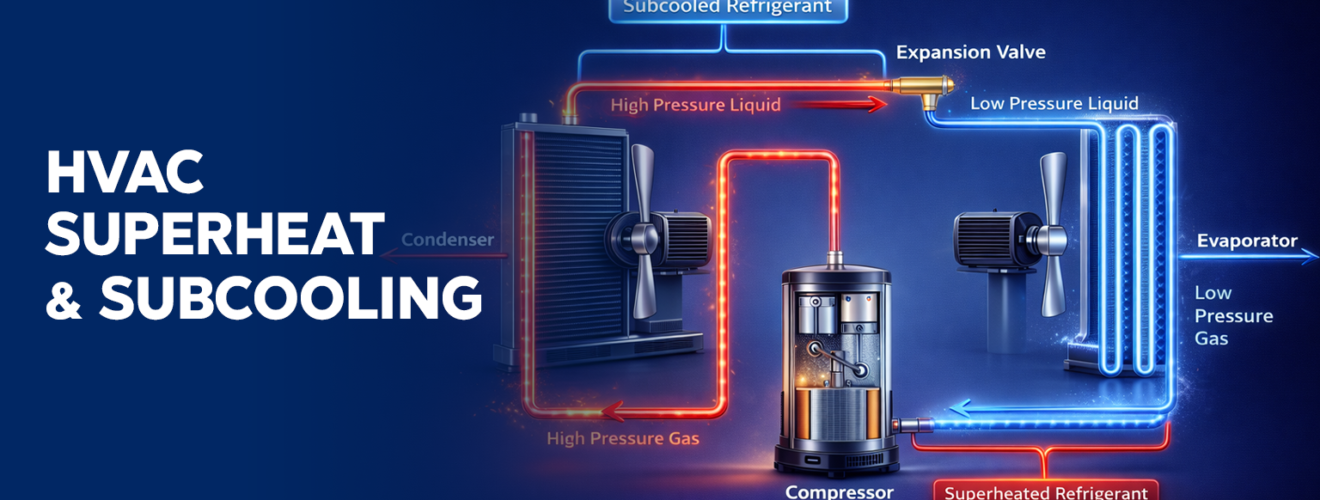
Superheat & Subcooling
- High superheat → low charge
- Low superheat → flooding
Delta T Monitoring
- Ideal: 5–10°C
Compressor Amp Check
- High amps → mechanical issue
Multi-Symptom Logic
- High pressure + low airflow → dirty condenser
- Low pressure + frost → refrigerant leak
13. FAQ Section
Q1. What does F10 mean on Alpha Innotec heat pump?
It indicates high refrigerant pressure due to airflow restriction or overcharging.
Q2. How do I reset an Alpha Innotec heat pump?
Turn off power, wait 5 minutes, and restart.
Q3. Why does low pressure error occur?
Due to refrigerant leaks or expansion valve problems.
Q4. Can I fix error codes myself?
Basic issues can be fixed, but complex faults require professionals.
Q5. How often should servicing be done?
At least once per year.
Final Thoughts
Alpha Innotec heat pumps are advanced systems designed for efficiency and reliability. Understanding error codes is essential for fast diagnostics, reduced downtime, and professional-level servicing.
This guide provides a complete troubleshooting framework for diagnosing and fixing Alpha Innotec heat pump issues.